Best WordPress Themes for Bloggers and Small Businesses (2026)
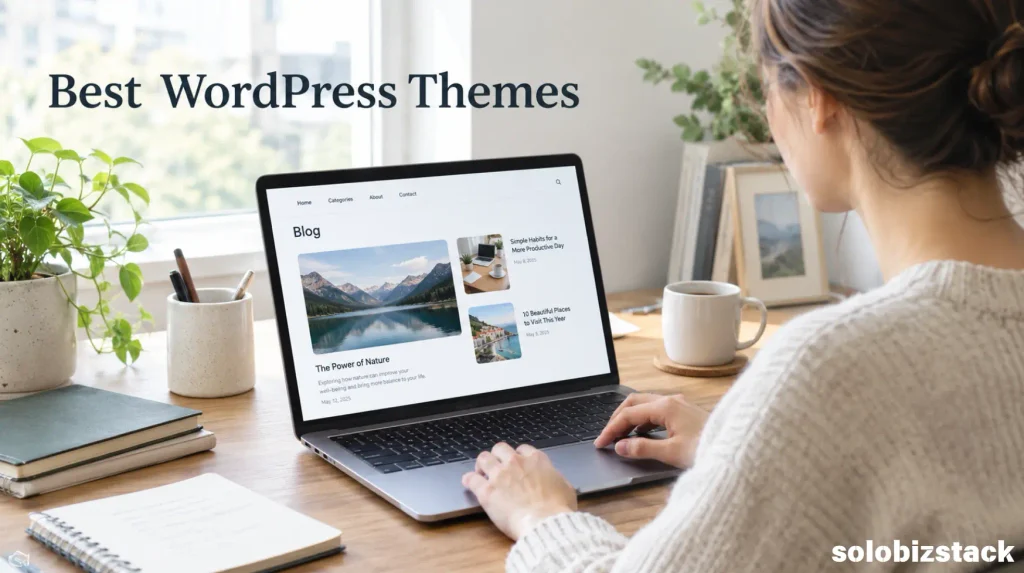
The best WordPress themes for bloggers and small businesses make it easier to build a professional website without spending hours on design or paying for features you don’t need. Whether you’re starting a blog, building an affiliate website, or creating a site for your small business, the right theme can give you a solid foundation and room to grow.
Choosing a WordPress theme sounds simple until you open the theme directory and find hundreds of options. Some look beautiful but are difficult to customize. Others offer plenty of settings, but you may never use half of them.
The good news is that you don’t need the most expensive theme or the one with the longest feature list. You need a theme that fits the kind of website you’re building, works with your preferred editing tools, and leaves room for your business to grow.
In this guide, we’ll compare five popular options: Kadence, Astra, GeneratePress, Neve, and Blocksy. We’ll look at what each theme is best suited for, what beginners should consider, and when paying for a premium version makes sense.
Affiliate Disclosure: This article may contain affiliate links. If you purchase through these links, SoloBizStack may earn a commission at no extra cost to you. We aim to provide useful, honest information to help you make an informed decision.
Quick Answer: Which WordPress Theme Is Best?
For many beginners, Kadence is a strong all-round choice for a blog or small business website built with the WordPress block editor. Astra is worth considering if you want a broad range of starter designs and page-builder compatibility. GeneratePress suits people who prefer a clean, lightweight foundation. Neve is a flexible option for blogs and service businesses, while Blocksy is appealing if you want more visual customization and modern layouts.
There isn’t one theme that wins for every website. Your best choice depends on how much design control you need, how you prefer to build pages, and which features are actually important to your project.
Best WordPress Themes for Bloggers and Small Businesses at a Glance
| WordPress Theme | Best For | Why Consider It |
|---|---|---|
| Kadence | Bloggers, content websites, and small businesses | Flexible customization and a useful block-editor workflow |
| Astra | Beginners who want ready-made website designs | Broad compatibility with page builders and starter templates |
| GeneratePress | Content-focused sites and performance-conscious owners | A clean, lightweight starting point |
| Neve | Blogs, portfolios, and service businesses | Flexible layouts and support for popular page builders |
| Blocksy | Modern blogs, business sites, and online stores | Detailed visual controls and WooCommerce support |
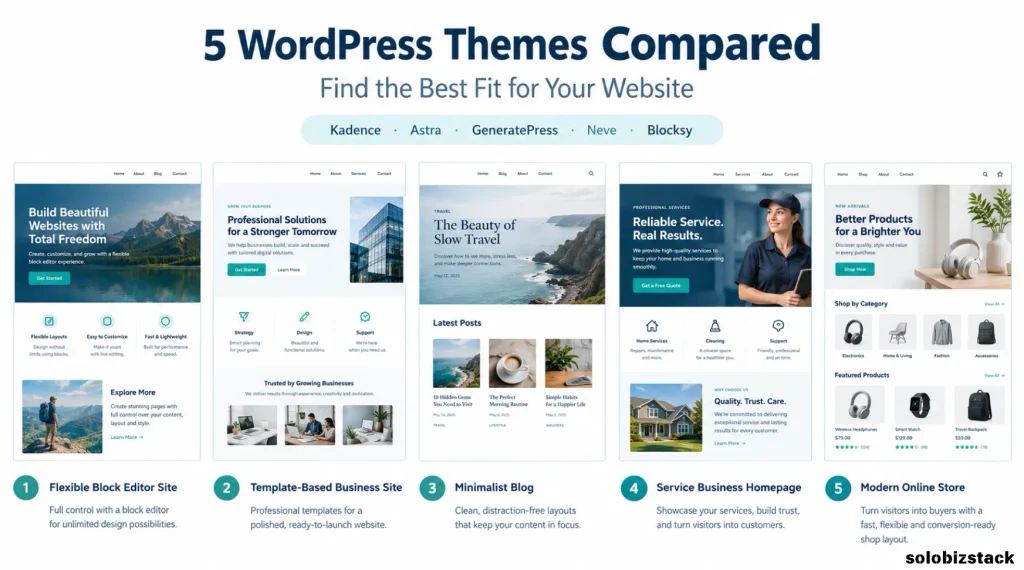
All five offer a free version. Each also has paid options or additional premium features, so check the current feature list before buying. You can start by exploring the official WordPress theme directory.
1. Kadence — Best All-Round Choice for Many Beginners
Kadence is a good place to start if you want a professional-looking website without building every section from scratch. It’s particularly worth considering if you plan to create most of your pages and blog content with the standard WordPress block editor.
One practical advantage is its visual approach to site customization. The theme provides header and footer building tools, global color and typography settings, and starter designs that you can adapt to your own brand. That can make it easier to keep your navigation, buttons, headings, and overall layout consistent.
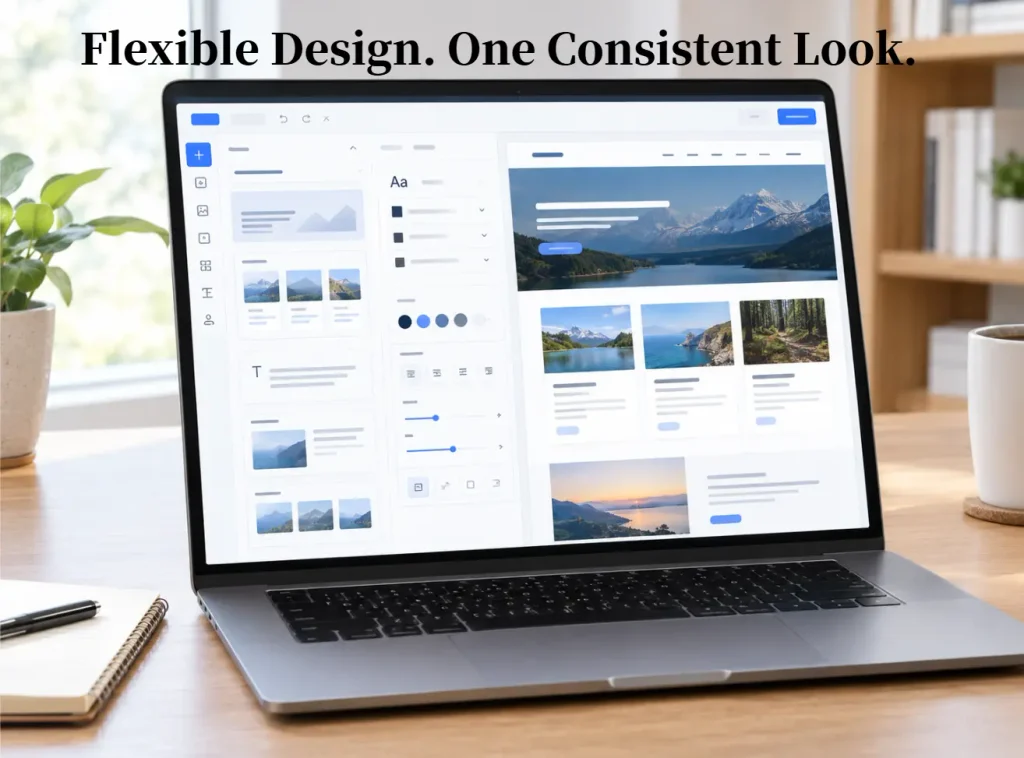
Kadence can suit several kinds of projects, including blogs, affiliate websites, professional services, and small business sites. You can use it for a straightforward content website first, then explore additional features as your needs change.
What to keep in mind: More design options can mean more decisions. Beginners may be tempted to spend days adjusting fonts, colors, and spacing instead of publishing useful content. Start with a simple design and customize only what improves the visitor’s experience.
Kadence is a good fit if you:
- Want to work mainly with Gutenberg, the WordPress block editor.
- Prefer visual customization rather than editing code.
- Need a flexible layout for a blog and supporting pages.
- Want to start with a free theme and decide later whether you need premium features.
Explore Kadence: View Kadence on WordPress.org · Visit the official Kadence website
2. Astra — Best for Starter Designs and Page-Builder Flexibility
Astra is another popular option for people who want a flexible starting point for a blog or business website. It supports the WordPress block editor and works with popular page-building tools, making it useful if you prefer to customize layouts visually.
Its starter website designs can help you move past the blank-page stage. Instead of building every section from scratch, you can begin with a design that resembles your intended website, replace the sample content, and adjust the colors, images, and layout.
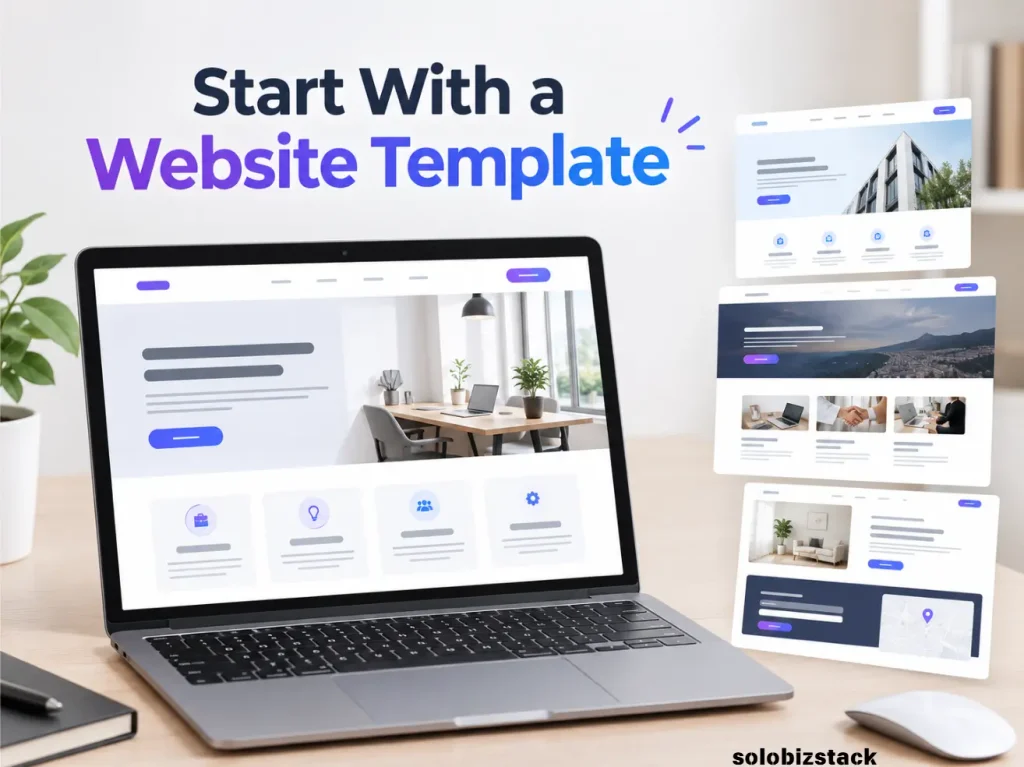
Astra can work well for freelancers, consultants, local businesses, bloggers, and websites that may eventually add an online store. Its broad ecosystem is a useful advantage if you expect to experiment with different site-building tools.
What to keep in mind: Make sure you’re comparing the features included in the free theme with those that require a paid upgrade or another product. A starter design may also depend on particular plugins or editing tools. Check what is required before importing a template.
Astra is a good fit if you:
- Want to start from a ready-made website design.
- Like having different page-building options.
- Need a theme that can accommodate several kinds of websites.
- Want room to expand into more advanced layouts later.
Explore Astra: View Astra on WordPress.org · Visit the official Astra website
3. GeneratePress — Best for a Clean, Lightweight Foundation
GeneratePress takes a more restrained approach. Rather than relying on a highly decorated default design, it provides a clean foundation that you can build on.
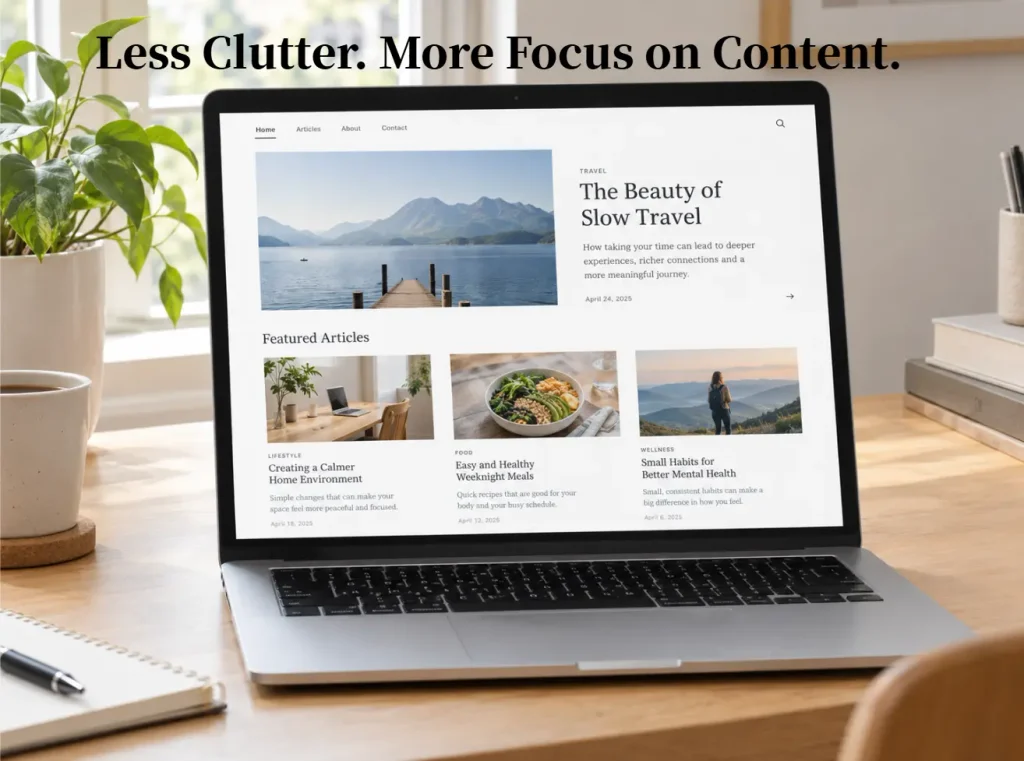
This can be appealing for bloggers and affiliate website owners who care about readability and want their content to take center stage. It is also worth considering if you prefer to keep your website’s design relatively simple instead of adding lots of decorative elements.
A minimal design doesn’t mean a site has to look plain. With thoughtful typography, consistent spacing, useful navigation, and well-chosen images, a content website can look professional without complicated visual effects.
GeneratePress also works with the WordPress block editor and popular page builders. Premium tools add further customization options, but you don’t need to purchase them simply because you’re launching a new blog.
What to keep in mind: If your priority is importing a highly designed website and changing very little, you may prefer a theme with a starter layout closer to your goal. A clean foundation can require more time spent on design decisions if you want a very distinctive homepage.
GeneratePress is a good fit if you:
- Want a content-first blog or affiliate website.
- Prefer a simple design with fewer distractions.
- Care about maintaining a lean website setup.
- Don’t mind building your layout gradually.
Explore GeneratePress: View GeneratePress on WordPress.org · Visit the official GeneratePress website
4. Neve — Best for Blogs and Service-Based Small Businesses
Neve is worth a look if you want a theme that can support both a blog and the standard pages a small business needs. For example, a consultant might need a homepage, services page, about page, contact form, and blog—all without an overly complex site structure.
Neve offers starter designs and supports the WordPress block editor as well as popular page builders. Its range of layouts makes it a flexible option if you’re not yet sure how your website will develop.
For a small business, a theme should make it easy to explain what you do, show visitors how to contact you, and present your main services clearly. A blog also gives you a place to publish helpful articles that answer customer questions and support your broader marketing efforts.
What to keep in mind: Some advanced layout settings, design options, and starter sites are part of paid plans. Check the current free-versus-premium comparison before choosing a design that depends on a specific feature.
Neve is a good fit if you:
- Need a blog alongside service or portfolio pages.
- Want to start with a pre-designed layout.
- Prefer visual editing with the block editor or a supported page builder.
- Need a theme that can support a small business website as it grows.
Explore Neve: View Neve on WordPress.org · Visit the official Neve website
5. Blocksy — Best for Modern Layouts and Visual Customization
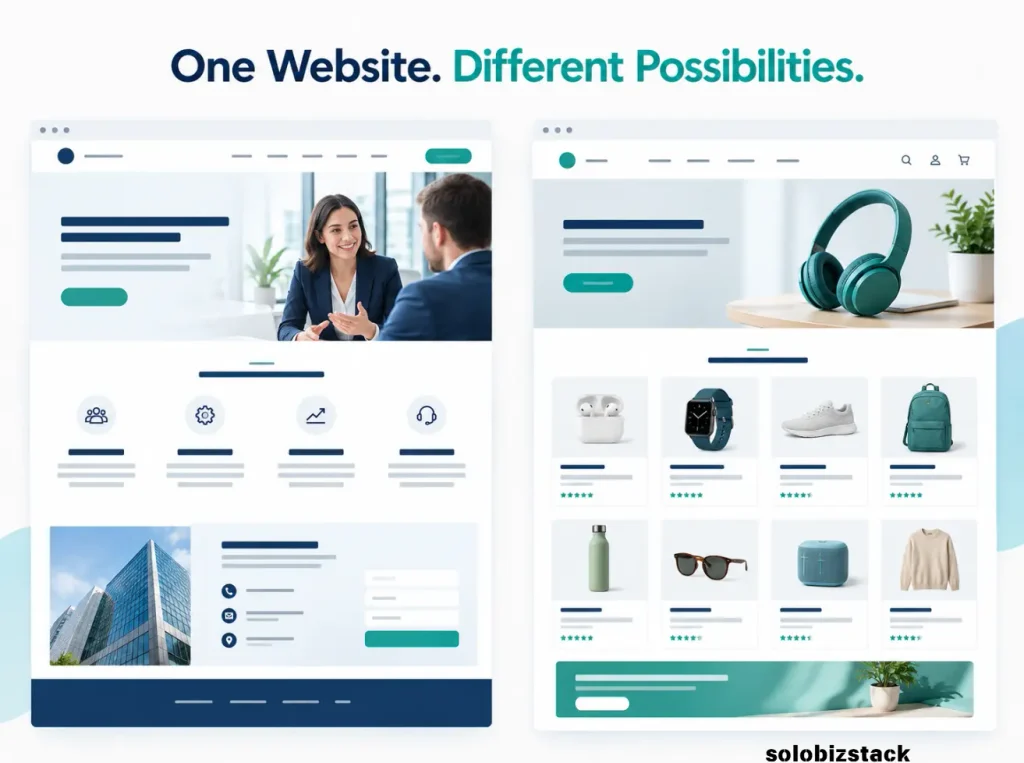
Blocksy is a strong option if visual flexibility is high on your list. It supports the WordPress block editor and offers features for creating modern blog layouts, business pages, and online stores.
It’s worth exploring if you want more control over your website’s appearance without assuming that you must use a separate page builder for every page. The theme also has WooCommerce support, which matters if you plan to sell physical products, digital downloads, or other items through your website.
For bloggers, attractive post layouts can help organize a growing library of content. For a small business, flexible headers, navigation, and page layouts can make it easier to present services and guide visitors toward an enquiry or purchase.
What to keep in mind: The more customization options you use, the more carefully you’ll need to keep the site consistent. You should also distinguish between features included in the free version and those provided by the premium add-on.
Blocksy is a good fit if you:
- Like modern visual layouts and fine-grained styling options.
- Want flexibility for both blog content and business pages.
- May add WooCommerce later.
- Prefer exploring design settings rather than writing custom code.
Explore Blocksy: View Blocksy on WordPress.org · Visit the official Blocksy website
Which WordPress Theme Should You Choose?
Comparing feature lists can only take you so far. Start with the type of website you actually need, then choose the theme that makes that job easiest.
If You’re Building a Blog
Prioritize readability, a clean post layout, mobile-friendly typography, and easy navigation between articles. Readers should be able to find the main point of a post without fighting with a cluttered sidebar or oversized design elements.
Kadence and GeneratePress are sensible starting points to compare. Astra, Neve, and Blocksy are also worth considering if their demo designs better match the style you want.
If You’re Building a Small Business Website
Think about the actions visitors need to take. A local service business may need a clear services page, contact details, opening hours, testimonials, and a simple enquiry form. A consultant may need a professional homepage, service descriptions, case studies, and a blog.
Astra, Kadence, Neve, and Blocksy can all be considered for this kind of site. Compare their starter designs and page-building workflows rather than choosing on reputation alone.
If You’re Building an Affiliate Website
Your theme should make articles easy to read and product comparisons easy to navigate. It should also let you place tables, images, buttons, and related-content links without making every post look like a sales page.
Kadence and GeneratePress are worth considering for a content-focused site, while Astra and Blocksy may appeal if you want more design flexibility. Any of these choices can work if the final pages are useful, readable, and well organized.
If You Want to Keep Costs Low
Start with a free version. Build your core pages, publish a few articles, and check whether you actually need any premium features.
A paid upgrade can be worthwhile when it solves a specific problem—for example, when you need a particular layout, advanced header options, or features that would otherwise require several extra plugins. But don’t buy a premium theme just because the upgrade page makes your site look incomplete without it.
If you’re still planning your website structure, read our guide to building a WordPress website for beginners. It explains the broader setup, so you can choose your theme as one part of the website rather than treating it as the entire project.
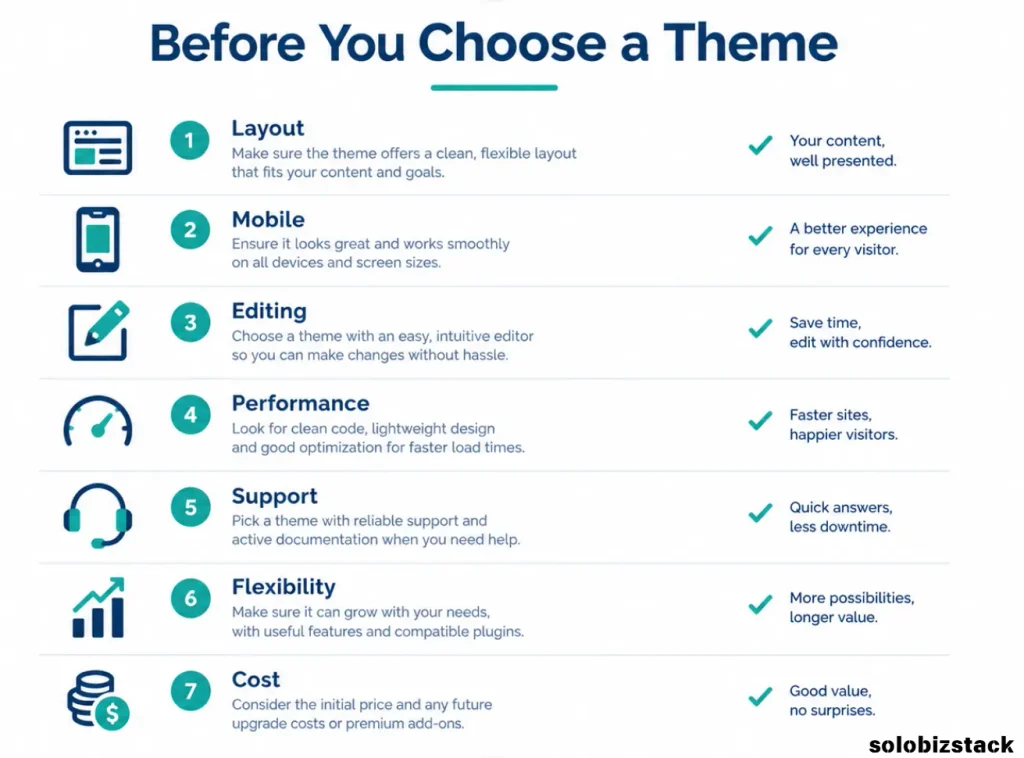
What to Look for Before Choosing a WordPress Theme
Before you install a theme, use this checklist to avoid choosing one based only on a pretty demo.
1. A Layout That Fits Your Content
A blog, a local business website, and an online shop have different needs. Look at the homepage, blog archive, single post layout, navigation, and footer—not just the first screen of the demo.
Ask yourself whether a visitor could quickly find an article, understand your services, or contact your business.
2. Mobile-Friendly Design
Your website should be comfortable to use on a phone as well as a desktop. Check text size, button spacing, navigation, images, and how long pages feel when scrolling.
Don’t rely only on a theme’s marketing description. Preview a demo on a narrow screen and test a few important pages.
3. A Good Editing Experience
Choose a theme that fits the way you want to work. If you’re comfortable with the standard WordPress editor, a block-editor-friendly theme may be enough. If you prefer a specific page builder, check compatibility and find out whether the demo relies on additional plugins.
Using more tools is not automatically a problem, but a simpler setup is usually easier to maintain.
4. Performance Without the Hype
A theme contributes to how a website is built and displayed, but it doesn’t determine the final loading speed by itself. Hosting, images, fonts, plugins, caching, and page content all matter.
A theme advertised as lightweight can still be part of a slow website if you add oversized images and unnecessary scripts. Likewise, a flexible theme can perform well when configured thoughtfully.
If performance is a priority, read our practical guide to speeding up a WordPress website.
5. Updates and Support
Check the theme’s update history, documentation, support options, and compatibility information. A theme should be maintained, not simply look good in a screenshot.
For themes listed in the official WordPress directory, review the listing and support resources. For commercial products, check the developer’s documentation and current license terms before buying.
6. Room to Grow
You may begin with a blog and later add a newsletter, resource library, booking system, or online shop. The theme doesn’t need to do everything itself, but it should work with the tools that support your plans.
Think about the next likely step for your website, not every feature you might possibly need someday.
7. A Sensible Free-to-Paid Upgrade Path
A free theme is often enough for a new website. Before upgrading, write down the exact feature you need and verify which plan includes it.
Also check the number of websites covered by the license, renewal pricing, support terms, and what happens if you stop renewing. These details can vary, so use each developer’s current pricing page rather than relying on an old review.
Do You Need a Premium WordPress Theme?
Not necessarily.
If your goal is to publish blog posts, create a few core pages, add a contact form, and build a simple content website, a well-maintained free theme may cover everything you need.
Premium features become more useful when you have a clear reason to pay. You might need advanced header and footer controls, specialized page layouts, additional templates, stronger customization options, or support for a more complex store.
Before spending money, try this simple test:
- Can I build the required pages with the free version?
- Is there a specific premium feature I need right now?
- Would upgrading replace several extra tools or save meaningful time?
- Have I checked renewal costs and license limits?
If the answer to the first question is yes and you can’t identify a real limitation, keep using the free version. You can revisit the decision when your website’s needs change.
How to Install and Customize Your Chosen Theme
Once you have a shortlist, preview the theme before committing to a full redesign.
For themes in the WordPress directory, go to Appearance → Themes → Add New Theme, search for the theme, and install it. You can then preview and activate it. Commercial themes may require you to download a file from the developer and upload it through your dashboard.
Before activating a different theme on an established site, make a backup and review the preview carefully. Changing themes can affect the way your content, menus, widgets, and theme-specific layouts appear. The actual content generally remains in WordPress, but some design details may need to be rebuilt.
After activation, focus on the essentials:
- Set your site logo and brand colors.
- Choose readable fonts and heading sizes.
- Configure the header, footer, and main navigation.
- Check the blog archive and individual post layouts.
- Review buttons, links, forms, and mobile spacing.
- Test important pages before making further design changes.
You can use our WordPress website checklist for beginners to review the broader setup before launch.
Common WordPress Theme Mistakes to Avoid
Choosing based on the demo alone. A demo shows what a theme can look like when carefully configured. It doesn’t guarantee that your site will look identical after you add your own content and plugins.
Paying for features you won’t use. More options are only useful when they solve an actual problem. Start with what you need now.
Installing several design tools without a plan. Themes, block extensions, and page builders can overlap. Pick a workflow you understand and add another tool only when it has a clear purpose.
Expecting a theme to guarantee SEO rankings. A theme can support a clear layout and sound technical foundation, but it can’t replace helpful content, good site structure, relevant internal links, or a positive user experience.
Switching themes too often. Each redesign takes time and creates new opportunities for layout problems. Once you’ve found a theme that meets your needs, focus on improving the content and visitor experience instead of endlessly searching for a new design.
Frequently Asked Questions
What is the best free WordPress theme for bloggers?
Kadence, Astra, GeneratePress, Neve, and Blocksy are all worth considering. Kadence suits bloggers who want visual control with the WordPress block editor, while GeneratePress appeals to those who prefer a simpler foundation. The best choice depends on your preferred workflow and layout needs.
What is the best WordPress theme for a small business?
Astra, Kadence, Neve, and Blocksy are all reasonable options for a small business website. Compare their demo layouts, mobile navigation, contact-page design, and customization features. Choose the one that helps visitors understand your services and take the next step.
Are free WordPress themes good enough for a professional website?
Yes. A well-maintained free theme can support a professional-looking blog, portfolio, or business website. You may eventually need premium features, but the quality of your content, layout, images, and user experience matters more than whether you paid for the theme.
Which WordPress theme is best for SEO?
No theme automatically guarantees higher search rankings. Choose a maintained theme with a clean layout, good mobile usability, and compatibility with your tools. Then focus on helpful content, descriptive page titles, logical headings, internal links, image optimization, and overall site performance.
Can I change my WordPress theme later?
Yes, but review the changes before switching on an established website. Your posts and pages generally remain in WordPress, while theme-specific layouts, settings, and some widgets may need attention. Make a backup, preview the new theme, and check the homepage, menus, blog posts, forms, and mobile layout after the change.
Do I need Elementor to use these themes?
No. These themes can be used with the WordPress block editor, although their compatibility and available integrations vary. A page builder may be useful when you need particular design controls, but it isn’t a requirement for every blog or small business site.
Final Recommendation
For a beginner building a blog or small business website, the safest choice is usually the theme that makes your everyday work easier—not the one with the longest feature list.
Start by comparing Kadence and Astra if you want a flexible, beginner-friendly setup. Look at GeneratePress if you prefer a clean, content-focused foundation, Neve if its starter layouts suit your business, and Blocksy if you want more visual customization.
Use the free version first where it meets your needs. Keep the design simple, make your content easy to read, and upgrade only when a specific feature justifies the cost.
Your theme is the foundation of your website’s appearance. The content you publish and the experience you create for visitors are what make that website worth returning to.
Related Articles:Kadence vs Elementor: Which Is Better for Beginners? →