
Best Website Hosting for Beginners
Updated September 2026
Choosing web hosting is one of the first decisions you’ll make when building a website.
And if you’re new to websites, hosting can be confusing.
You’ll see terms like shared hosting, WordPress hosting, cloud hosting, SSD storage, CDN, SSL, backups, bandwidth, PHP, and managed WordPress.
Then there are dozens of hosting companies offering different plans at different prices.
It can be hard to know what actually matters.
The good news is that most beginners don’t need an expensive or complicated hosting setup.
For a new blog, small business website, portfolio, affiliate site, or personal brand, you usually need something much simpler:
Reliable hosting + WordPress support + easy management + room to grow.
In this guide, we’ll look at what beginners should actually look for in web hosting, compare several common options, and explain how to choose a plan without paying for features you don’t need.
Quick Answer: What Is the Best Website Hosting for Beginners?
There isn’t one hosting plan that’s right for every beginner.
The right choice depends on what you’re building, your budget, how much technical work you want to handle yourself, and how much room you need to grow.
For many new WordPress websites, Hostinger and SiteGround are two practical options to compare.
Hostinger currently offers managed WordPress hosting with features such as a free domain for one year on eligible plans, SSL, backups, CDN, WordPress tools, and 24/7 support. Its current Premium plan is advertised at $2.99/month when purchased for 48 months, with renewal listed at $10.99/month.
SiteGround’s current StartUp WordPress plan is advertised at $2.99/month for the initial 12-month prepaid term and renews at $15.99/month on its current US-facing/European pricing pages; the plan includes features such as free SSL, CDN, backups, WordPress setup, and 24/7 support.
WordPress.org also currently lists Bluehost, Hostinger, and Pressable among its recommended hosting providers.
The important thing is not to choose a host simply because someone calls it “the best.”
Instead, choose the one that fits your website and your level of experience.
What Is Web Hosting?
Before comparing hosting companies, let’s make the basic idea simple.
Your website needs somewhere to live.
A web host provides the server where your website’s files, database, images, and other resources are stored.
When someone enters your domain name into a browser, the hosting server sends your website to that visitor.
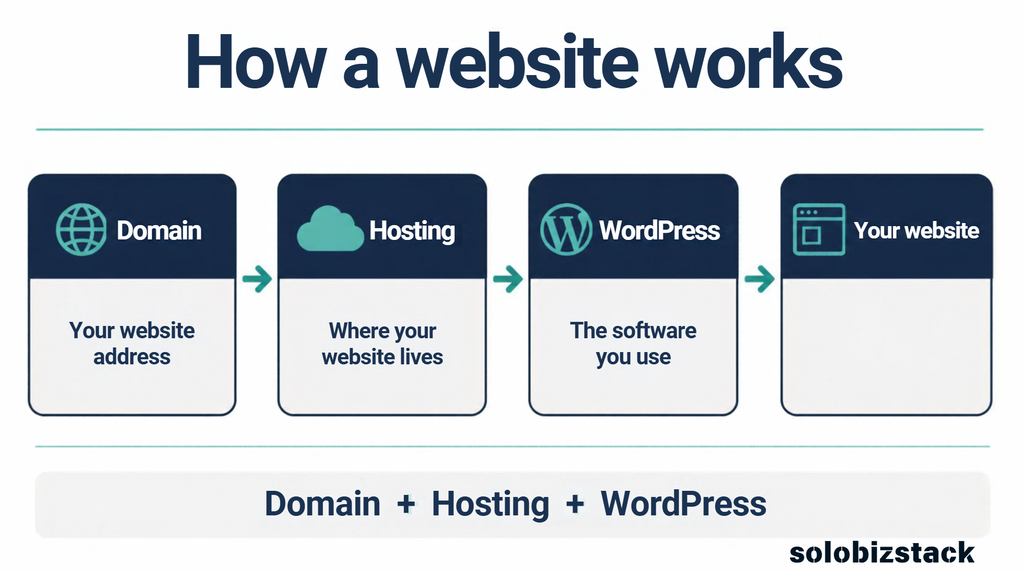
Think of it like this:
Domain = your address
Hosting = the place where your website lives
WordPress = the software you use to build the website
You need all three pieces working together.
If you’re still figuring out the whole process, start with our beginner guide:
Read: How to Build a WordPress Website for Beginners →
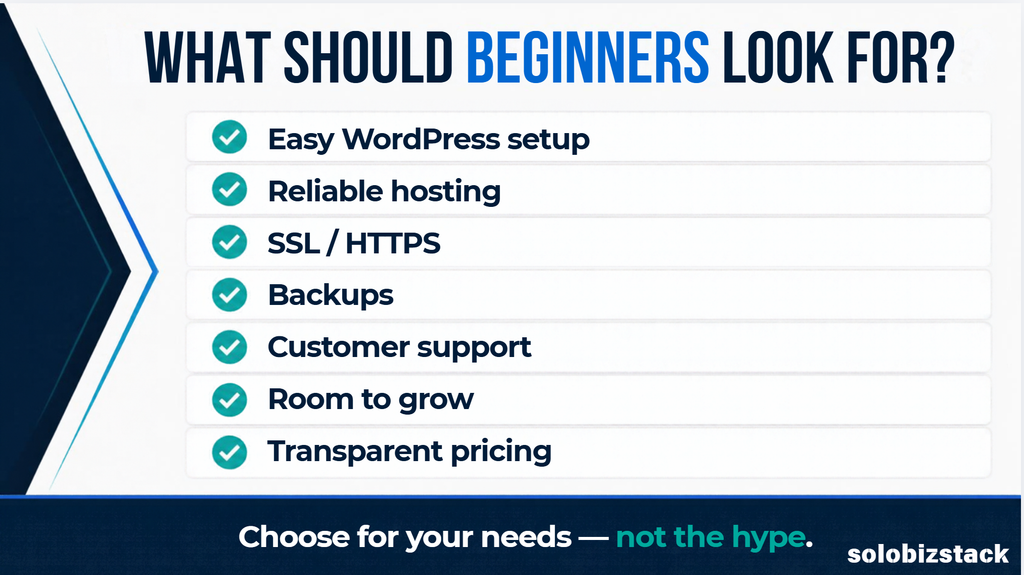
What Should Beginners Look for in Web Hosting?
You don’t need to understand every technical specification on a hosting company’s website.
Instead, focus on a few things that actually affect your experience.
1. Easy WordPress Setup
If you’re building your first website, you don’t want to spend your first weekend trying to figure out server configuration.
Look for hosting that makes it easy to:
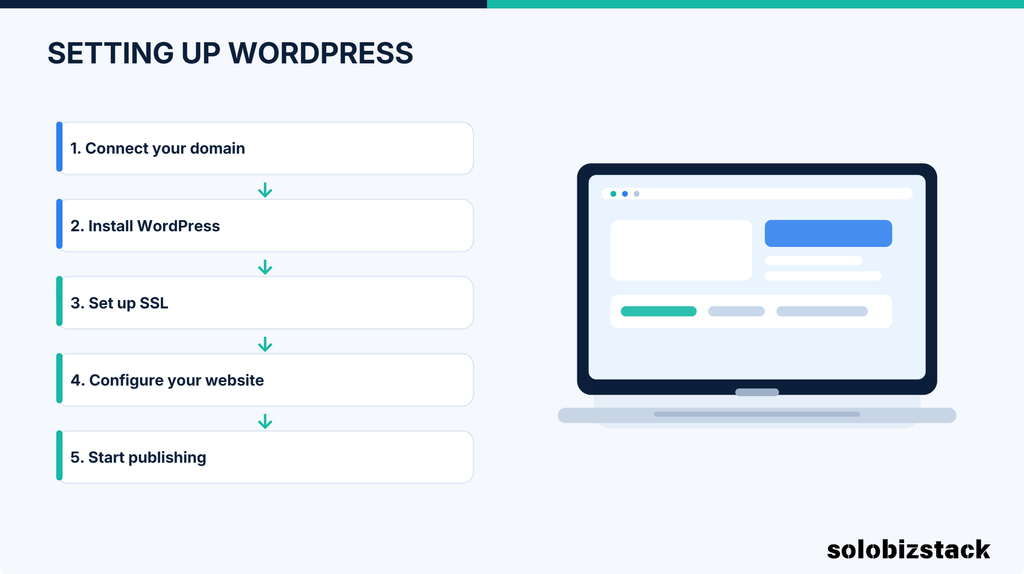
WordPress itself recommends using a host with experience running WordPress if you’re new to the platform.
2. SSL / HTTPS
SSL encrypts the connection between your website and its visitors.
You’ll normally see this as:
rather than:
http://yourwebsite.com
HTTPS is also part of the current WordPress hosting requirements.
Fortunately, many mainstream hosting plans now include SSL at no additional cost.
For a new website, there’s little reason to choose hosting that makes basic HTTPS setup unnecessarily complicated.
3. Backups
This is one of those features you may not think about until you need it.
Imagine spending three months publishing articles, installing plugins, changing your design, and building your website.
Then something breaks.
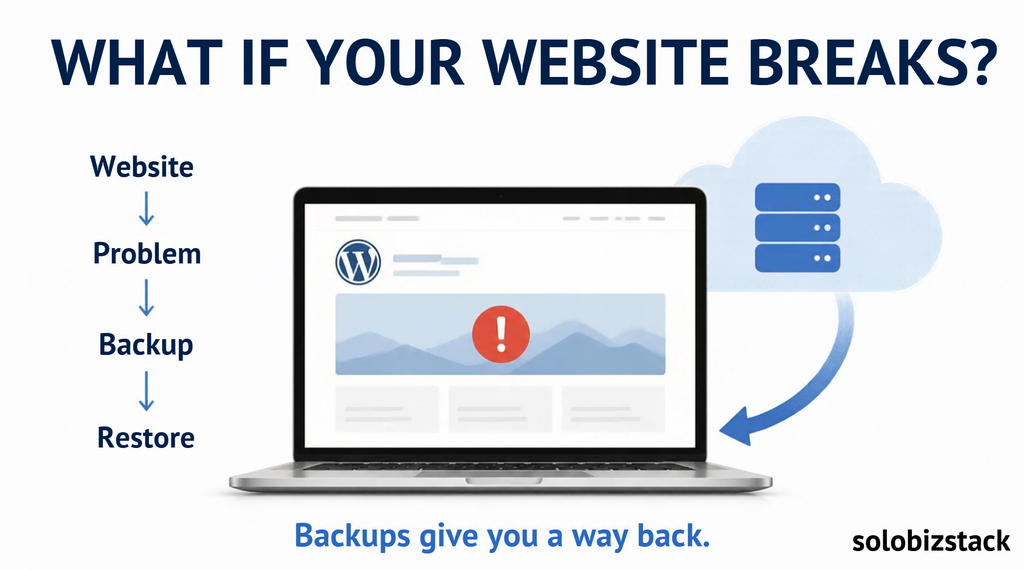
A backup can give you a way to restore your site.
Different hosting companies offer different backup schedules and restoration options, so don’t just look for the word “backup.”
Check:
- How often backups are created
- How long they are retained
- Whether restoration is included
- Whether backups are automatic
- Whether you can create additional backups yourself
For example, Hostinger currently lists weekly backups on its Premium plan and daily backups on higher-tier plans.
4. Customer Support
When you’re experienced with WordPress, you may be comfortable solving many problems yourself.
When you’re new, a small hosting problem can feel much bigger.
Good support can help when you run into issues involving:
- Domain connection
- DNS
- SSL
- WordPress installation
- Website migration
- Server errors
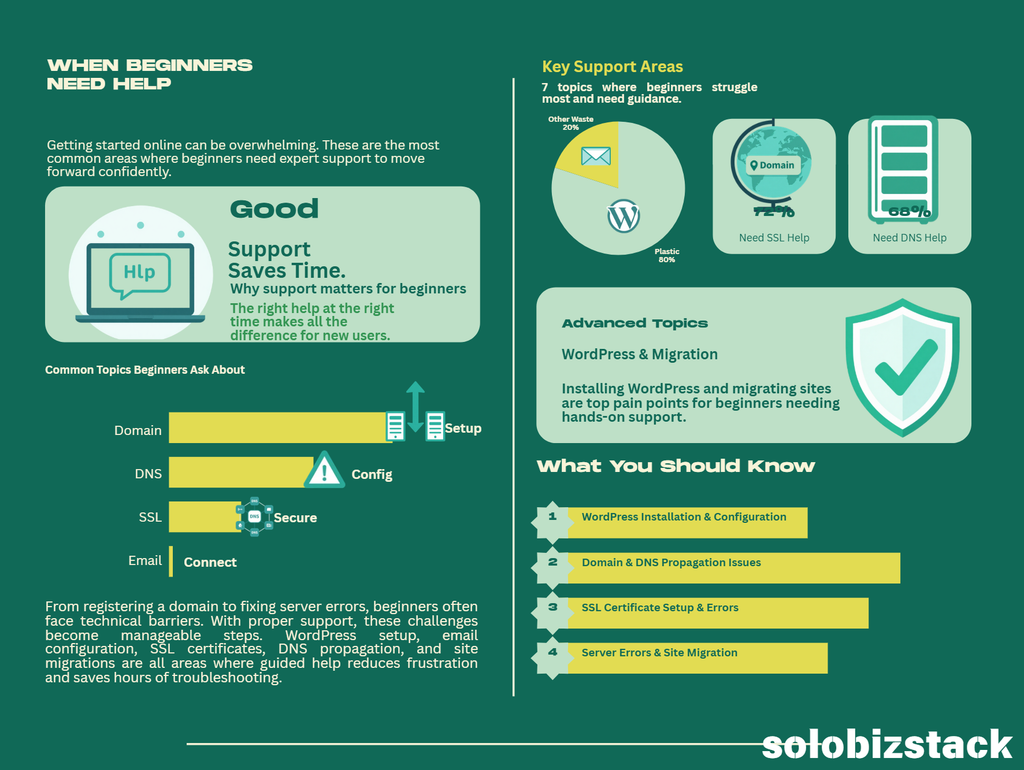
Both Hostinger and SiteGround currently advertise 24/7 support.
But don’t assume that “24/7 support” means every hosting provider offers the same experience.
Look at the available support channels, documentation, and what is actually included in your plan.
5. Room to Grow
You don’t want to pay for a massive hosting plan on day one.
But you also don’t want to move your website immediately after it starts growing.
For a beginner, look for a host that gives you a reasonably simple upgrade path.
You might start with:
One website → More traffic → More storage → Multiple websites → Higher-performance hosting
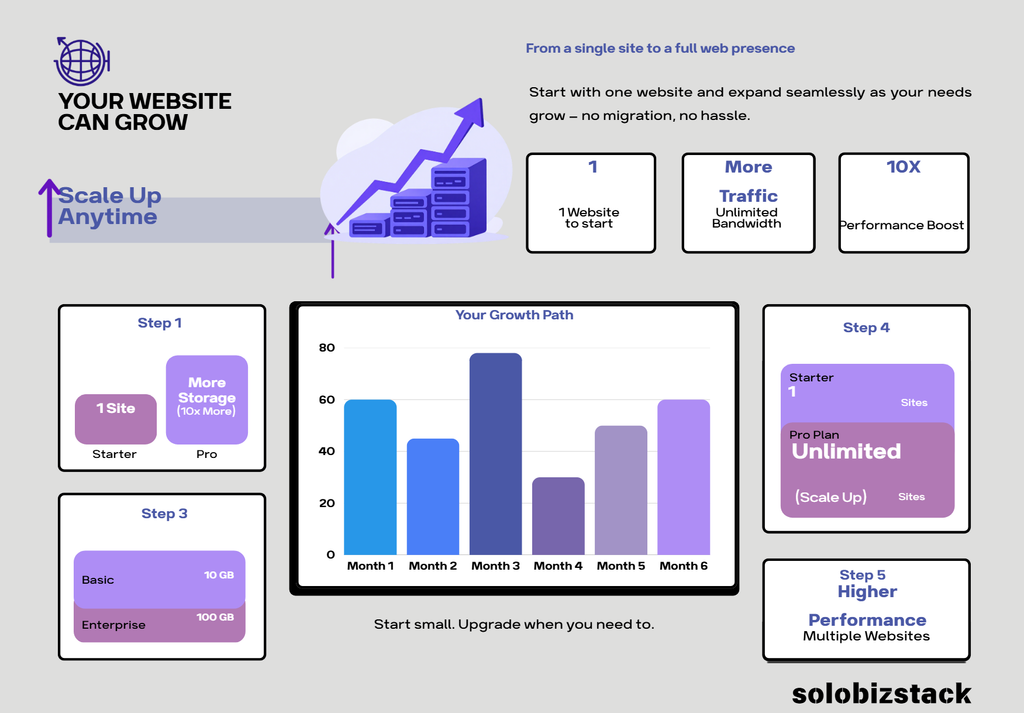
That gives you somewhere to go without forcing you to pay for resources you don’t currently need.
6. Transparent Pricing
This is one of the most important things to understand before buying hosting.
Hosting companies often advertise an introductory price.
For example:
$2.99/month
That doesn’t necessarily mean you’ll pay $2.99/month forever.
The provider may require you to purchase a longer initial term, and the renewal price may be higher.
Hostinger’s current Premium offer, for example, is shown at $2.99/month on a 48-month term, while its listed renewal price is $10.99/month.
SiteGround currently shows its StartUp plan at $2.99/month for the introductory term and a higher renewal price afterward.
Always check three numbers:
DON’T LOOK AT THE MONTHLY PRICE ONLY
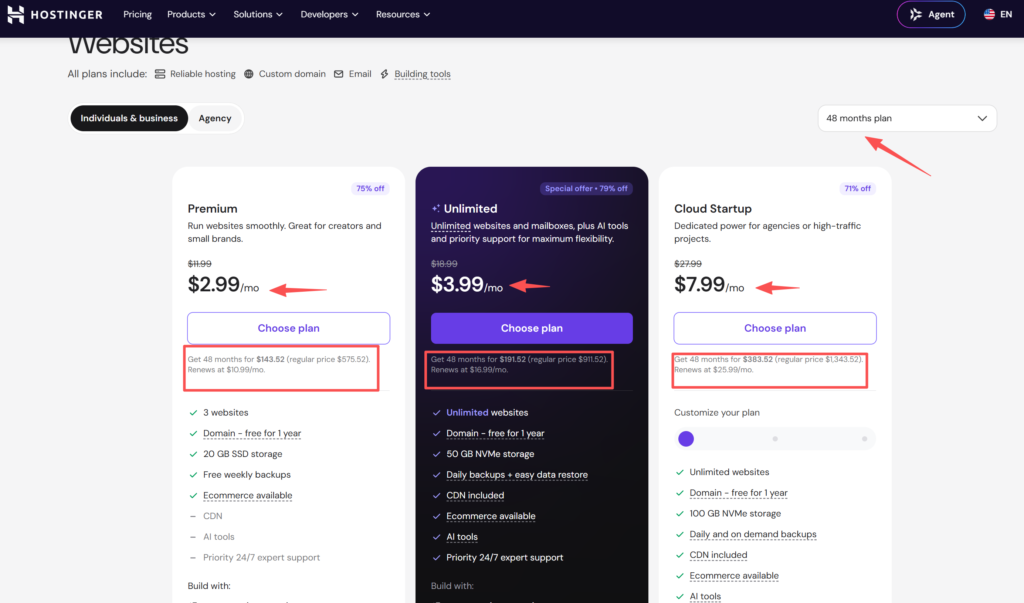
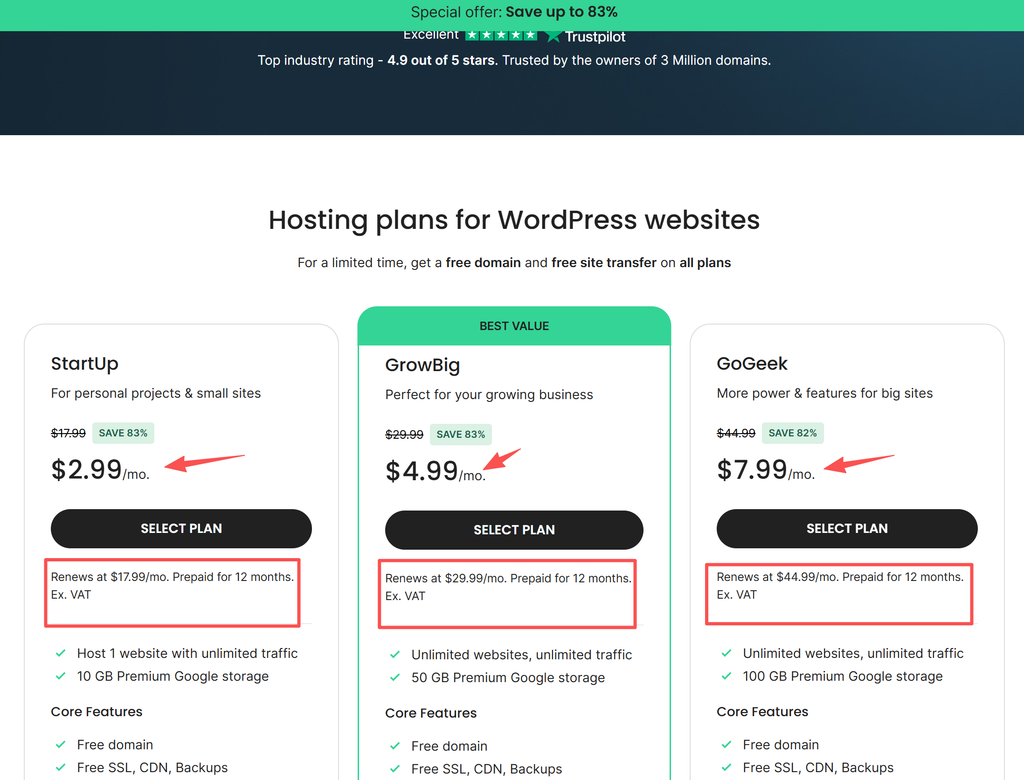
Monthly promotional price
Total amount charged today
Renewal price
That gives you a much more realistic idea of what you’re actually buying.
7. WordPress Compatibility
If you’re planning to use WordPress, make sure your host supports the current WordPress environment.
WordPress.org currently recommends:
- PHP 8.3 or newer
- MariaDB 10.11+ or MySQL 8.0+
- HTTPS
WordPress also recommends Apache or Nginx as robust server options.
You don’t need to become a server administrator.
Just make sure your hosting provider supports a current WordPress environment.
Hostinger vs SiteGround vs Other Hosting Options
Instead of creating a huge list of 20 hosting companies, it’s more useful to understand how a few common options differ.
Here’s a simple starting point:
| Hosting option | Good fit for | What to look at |
|---|---|---|
| Hostinger | Beginners who want a simple, affordable setup | Intro price, renewal price, included resources |
| SiteGround | Beginners who want managed WordPress features and support | Renewal price, storage, included tools |
| Bluehost | Beginners who want a WordPress-focused hosting provider | Current plan features and pricing |
| Pressable | WordPress-focused sites that need managed hosting | Managed features and pricing |
WordPress.org currently lists Bluehost, Hostinger, and Pressable among its recommended hosts.
That doesn’t mean one of them is automatically right for your website.
Your requirements matter more than a generic ranking.
Hostinger: What Beginners Should Know
Hostinger has become a popular option for people starting websites with relatively small budgets.
Its current managed WordPress plans include features such as:
- WordPress hosting
- Free SSL
- Free domain for one year on eligible plans
- Backups
- CDN
- 24/7 support
- Website migration
- AI tools on selected plans
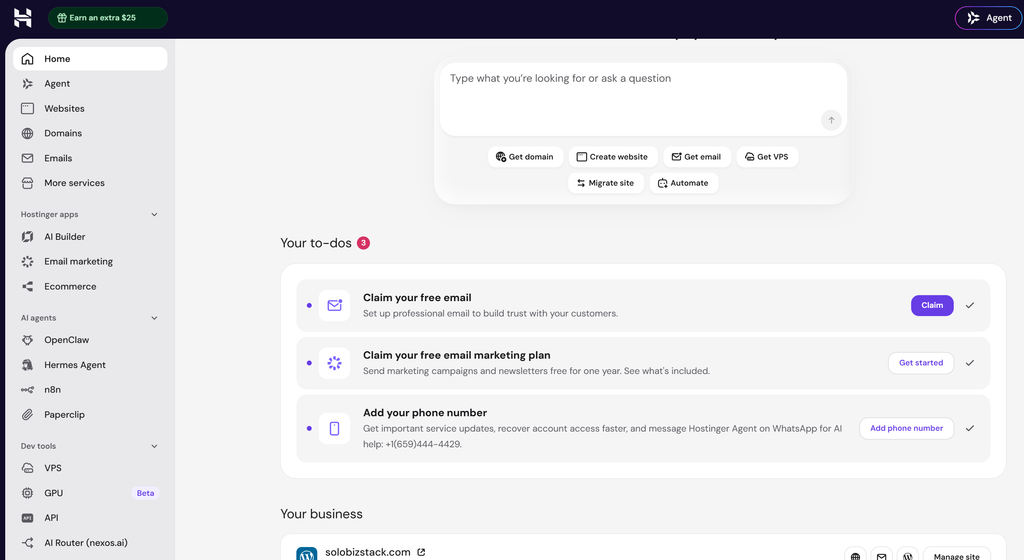
Its current Premium WordPress plan is listed at $2.99/month for a 48-month purchase, with three websites, 20 GB SSD storage, weekly backups, CDN, and a free domain for one year.
The important catch is the commitment period and renewal price.
The advertised monthly number represents the equivalent monthly cost of the full initial term.
So don’t look at:
$2.99/month
in isolation.
Look at the total amount you’re paying today and what the plan costs when it renews.
Hostinger may make sense if you want:
- A relatively low introductory cost
- A simple WordPress setup
- Multiple websites on certain plans
- Built-in tools
- AI-assisted features
- A straightforward control panel
Before buying, check:
- Renewal price
- Initial term
- Storage
- Backup frequency
- Number of websites
- Email limits
- Upgrade options
Check Hostinger
Check Hostinger WordPress Plans →
SiteGround: What Beginners Should Know
SiteGround is another hosting provider with a strong focus on WordPress.
Its current StartUp plan is aimed at personal projects and small sites. The current plan includes one website, 10 GB of storage, free SSL, CDN, daily backups, WordPress setup/transfer features, and 24/7 support.
SiteGround also describes its WordPress hosting as managed hosting and currently highlights an AI agent for WordPress site management.
SiteGround may make sense if you value:
- Managed WordPress features
- WordPress-focused tools
- Daily backups
- Site migration
- Human support
- A hosting environment designed around WordPress
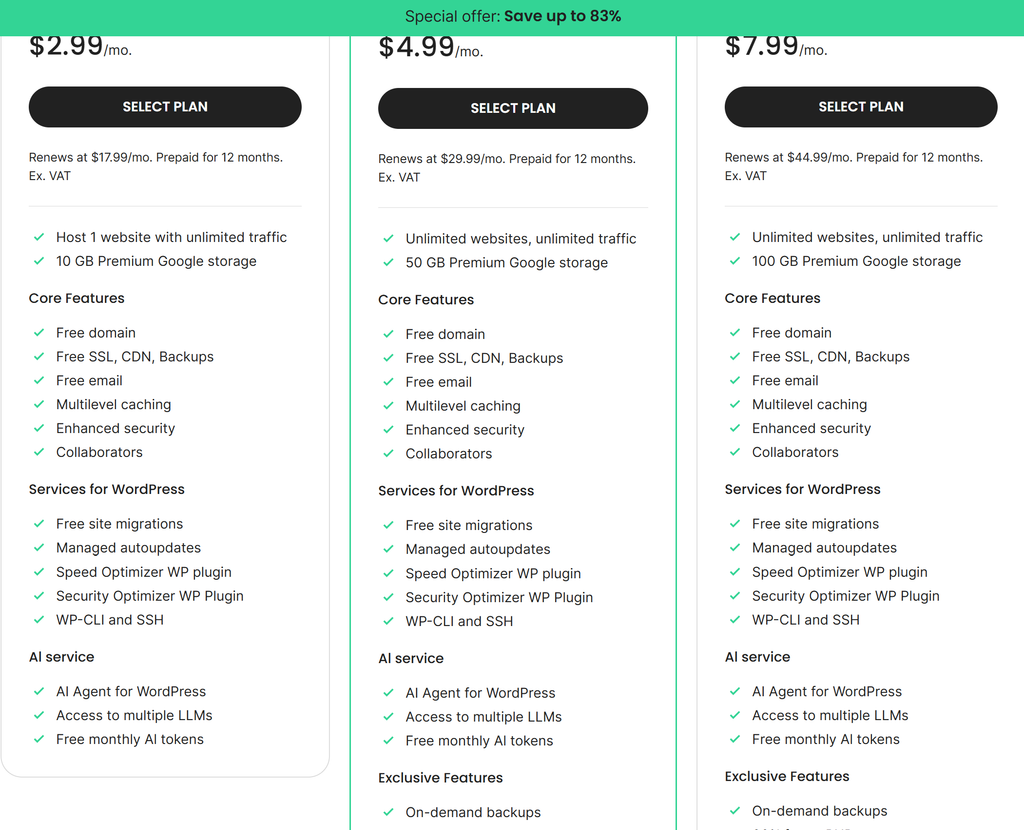
Before buying, check:
- Renewal price
- Storage limits
- Number of websites
- What’s included in your specific plan
- Which features require an upgrade
Check SiteGround
Check SiteGround WordPress Plans →
Hostinger vs SiteGround: Which One Should You Choose?
This is where things get more personal.
There isn’t a single hosting plan that works for every beginner.
Here’s a simpler way to think about the difference.
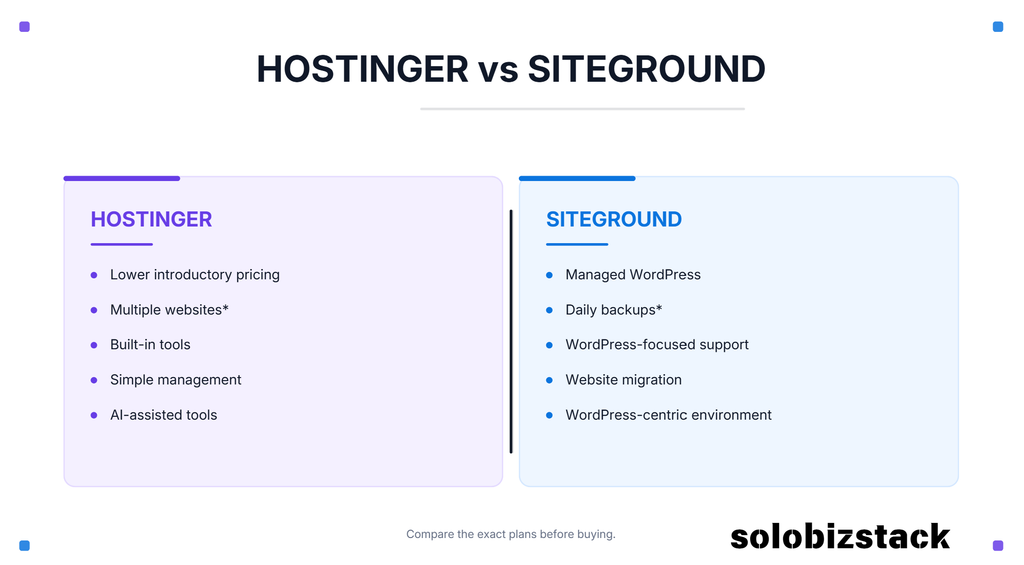
Hostinger
Look more closely at Hostinger if your priorities include:
- Lower introductory pricing
- Multiple websites on eligible plans
- Built-in tools
- Simple management
- AI-assisted website tools
SiteGround
Look more closely at SiteGround if your priorities include:
- Managed WordPress features
- Daily backups on the entry-level plan
- WordPress-focused support
- Website migration
- A more WordPress-centric hosting environment
The current plan limits and pricing are different, so compare the exact plans you’re considering rather than comparing company names alone.
We’ve already created a dedicated comparison if you want to go deeper:
Hostinger vs SiteGround: Which Web Host Is Better for Beginners? →
What About Bluehost?
Bluehost is another name you’ll see frequently when researching WordPress hosting.
WordPress.org currently lists Bluehost as a recommended hosting provider and describes its platform as WordPress-optimized, with features including WordPress installation, an AI site builder, free domain, email, SSL, CDN, and 24/7 support.
If you’re considering Bluehost, compare its current plan pricing, renewal terms, included resources, and features with the other providers you’re considering.
Check Bluehost
Explore Bluehost WordPress Hosting →
Do You Need WordPress Hosting?
Not necessarily.
WordPress can run on many standard hosting environments.
However, WordPress-specific hosting may make things easier because the hosting environment and setup are designed around WordPress.
WordPress.org explains that WordPress-specific hosts may provide features such as pre-installed WordPress, backups, updates, and developer tools.
For a beginner, those conveniences can be useful.
You don’t necessarily need the most expensive “managed WordPress” plan.
You just want a setup that doesn’t make basic website management harder than it needs to be.
Shared Hosting vs Cloud Hosting: What’s the Difference?
This is another area where hosting companies can make things sound more complicated than they are.
Shared Hosting
Your website shares server resources with other websites.
For a new website, this can be a practical starting point.
It’s usually simpler and less expensive than more advanced hosting options.
Cloud Hosting
Cloud hosting generally uses a more distributed infrastructure and can offer more resources and flexibility.
It’s more relevant when your website has greater resource requirements or needs more room to scale.
Which one should a beginner choose?
For a new blog or small website, shared or entry-level WordPress hosting is often enough.
You don’t need to pay for cloud infrastructure simply because it sounds more powerful.
Start with the level of hosting your website actually needs.
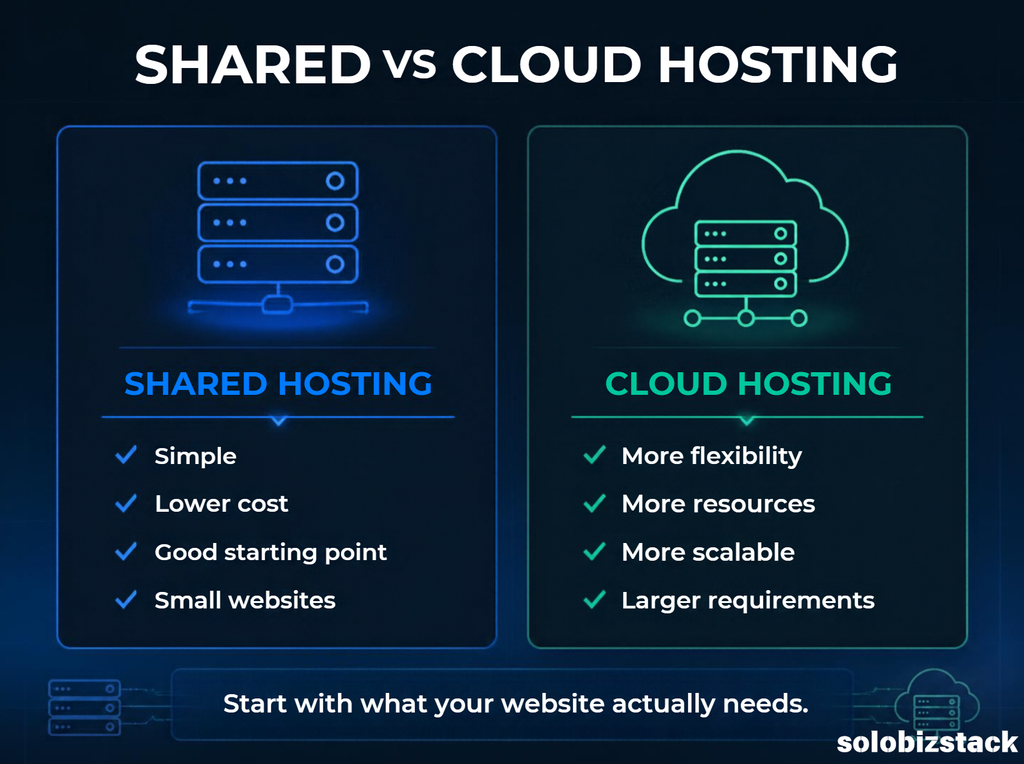
Upgrade when your website gives you a reason to.
How Much Should Beginners Spend on Hosting?
This depends on your website.
If you’re building your first:
- Blog
- Affiliate website
- Portfolio
- Personal website
- Small business website
you probably don’t need an expensive hosting package.
A sensible beginner budget is generally:
Affordable hosting + domain + a few essential tools
Then increase your budget as your website grows.
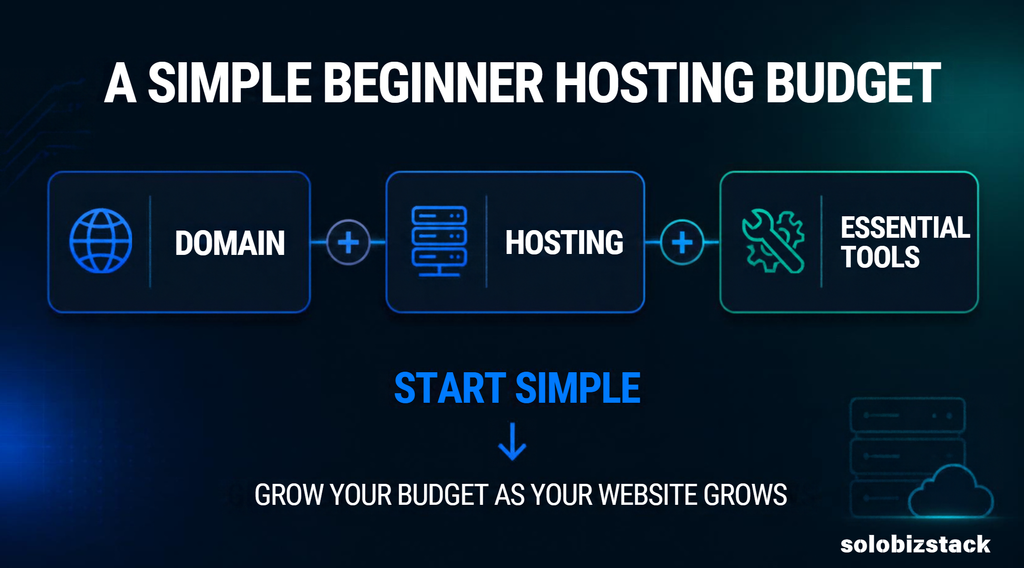
This is the same principle we recommend throughout SoloBizStack:
Build the foundation first. Add complexity later.
If you’re trying to understand your complete website budget, read:
How Much Does It Cost to Build a Website? →
What Hosting Features Do You Actually Need?
Here’s a simple checklist.
Essential
- WordPress support
- HTTPS / SSL
- Reliable server environment
- Easy WordPress installation
- Backup options
- Customer support
Useful
- Free domain
- Free website migration
- CDN
- Business email
- Staging
- Automatic updates
- Malware/security tools
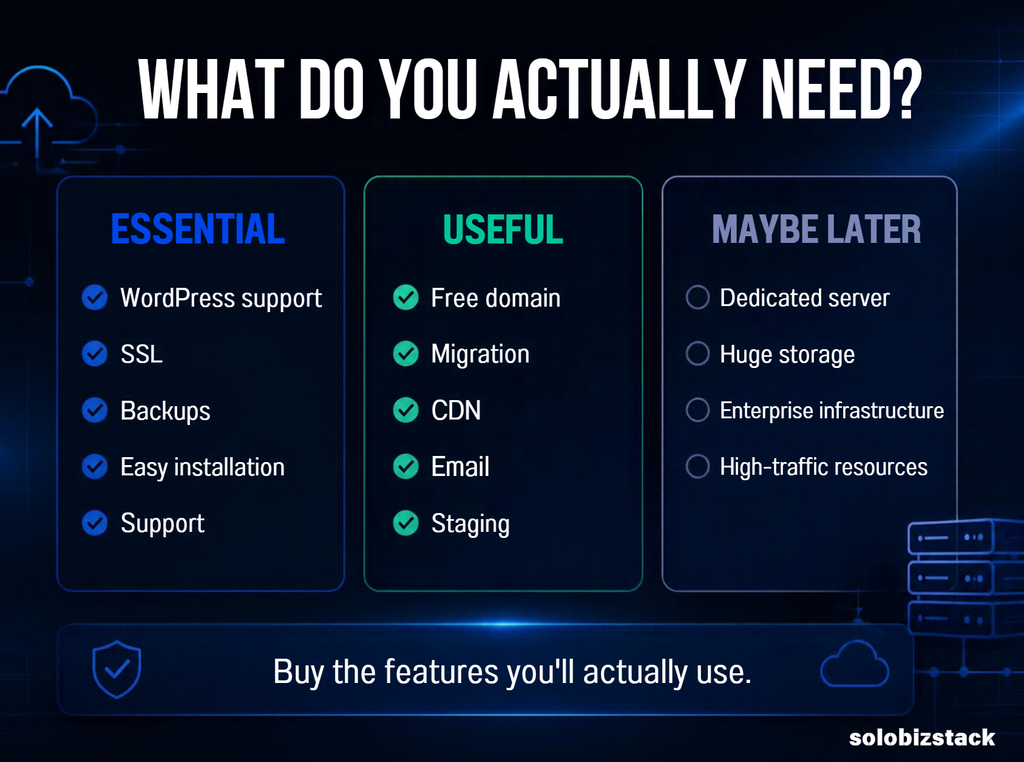
Probably unnecessary for your first website
- Dedicated server
- Huge storage allowance
- Advanced developer tools
- Enterprise infrastructure
- Resources designed for very high traffic
The idea isn’t to buy the longest feature list.
It’s to buy the features you’ll actually use.
7 Mistakes Beginners Make When Choosing Hosting
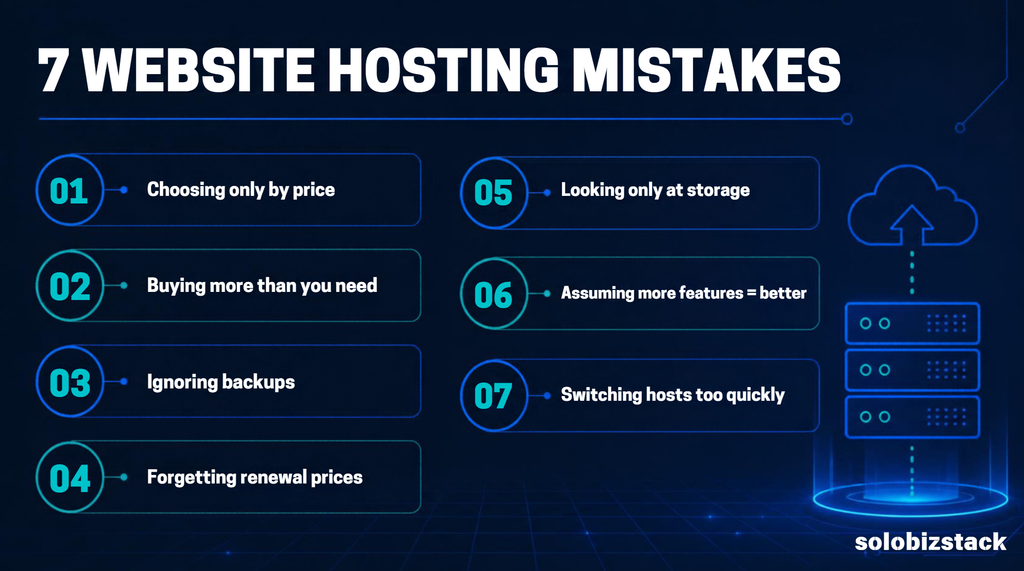
1. Choosing Based Only on the Cheapest Price
The cheapest promotional price isn’t necessarily the lowest overall cost.
Check the renewal price.
2. Buying More Hosting Than You Need
A new blog doesn’t need the same hosting setup as a large ecommerce store.
Start where you are.
3. Ignoring Backup Details
“Backups included” doesn’t tell you everything.
Check how frequently they’re created and how restoration works.
4. Forgetting About Renewal Prices
This is probably the most common pricing mistake.
A discounted first term can be followed by a significantly higher renewal rate.
5. Looking Only at Storage
More storage doesn’t automatically mean better hosting.
For a typical content website, other factors can matter more:
- Server environment
- Support
- Backups
- Ease of management
- Performance
- Upgrade options
6. Assuming More Features Are Always Better
If you don’t use a feature, it doesn’t necessarily add value to your website.
7. Switching Hosts Too Quickly
If your website is working well, you don’t need to migrate simply because another host has a slightly different feature list.
Hosting should solve a real problem.
What Hosting Should a Beginner Choose for an Affiliate Website?
If you’re building an affiliate website, hosting doesn’t need to be complicated.
Your priorities are usually:
- Reliable WordPress hosting
- Good site management
- SSL
- Backups
- Reasonable performance
- Room to publish more content
- Easy access to your website files and database
- A clear upgrade path
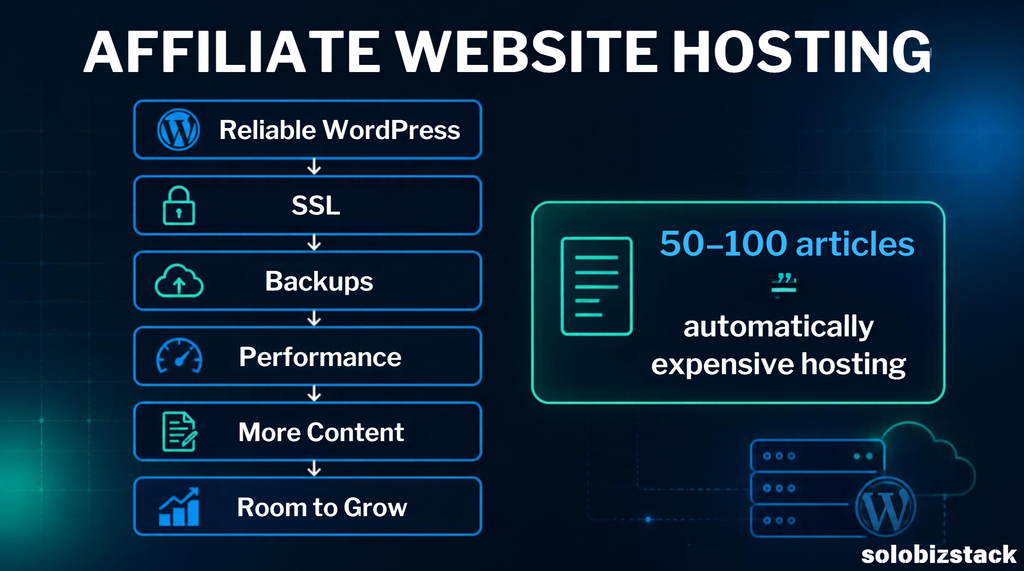
For example, a website publishing 50–100 articles doesn’t automatically require expensive hosting.
Your actual traffic, plugins, images, caching, and website configuration all affect resource usage.
This is also why you shouldn’t choose hosting based purely on a claim like:
“This host is the fastest.”
Real-world website performance depends on more than the hosting company.
Your theme, plugins, images, caching, CDN, database, traffic patterns, and configuration all play a role.
Do You Need a Free Domain?
Some hosting plans include a domain for the first year.
That can reduce your initial setup cost.
But pay attention to:
- Which domain extensions qualify
- How long the domain is free
- Renewal pricing
- Whether privacy protection is included
- Whether the domain remains yours if you change hosting providers
A free first year is useful.
It just shouldn’t be the main reason you choose a hosting company.
What About Website Speed?
Website speed matters.
But don’t choose hosting based on a single speed test or a provider’s marketing claim.
A WordPress website can become slow because of:
- Large images
- Too many plugins
- Poorly optimized themes
- Heavy scripts
- Bad caching
- Unoptimized databases
- External services
- High traffic
Your hosting is only one part of the equation.
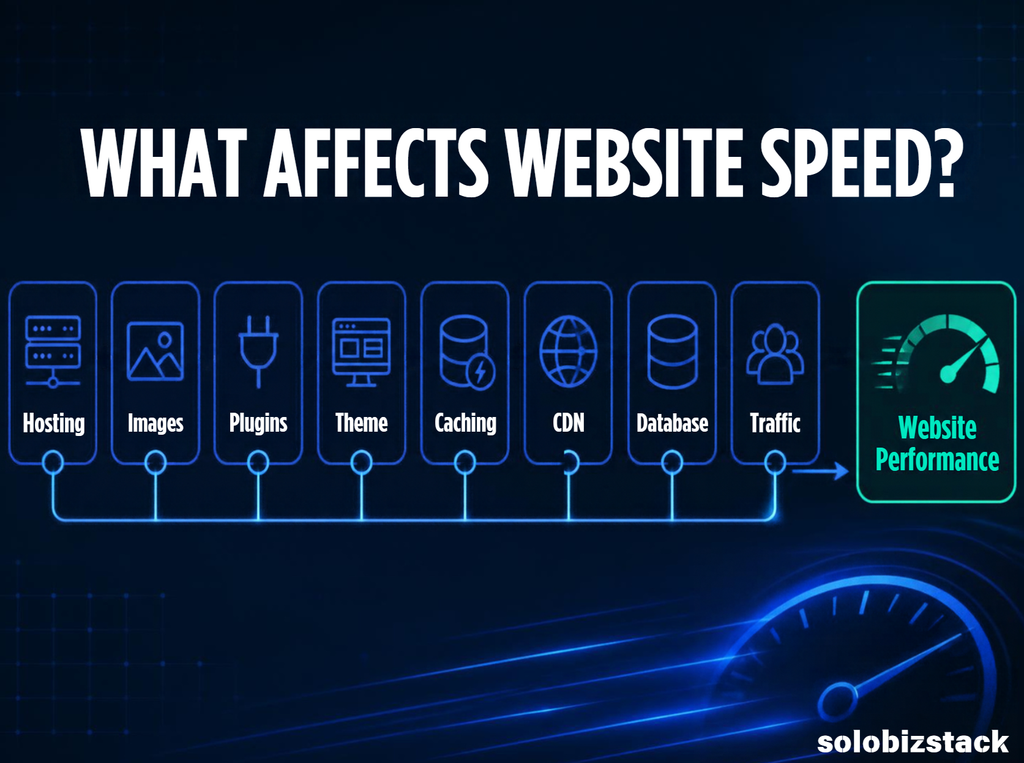
For a beginner, it’s usually more useful to choose a solid hosting environment and then learn the basics of website optimization as your site grows.
A Simple Hosting Decision Framework
If you’re still unsure, use this process.
Step 1: What are you building?
Blog?
Affiliate site?
Business website?
Online store?
Portfolio?
Step 2: How many websites?
One website?
Several?
Planning to build more later?
Step 3: How much technical work do you want to handle?
Do you want everything as simple as possible?
Or are you comfortable managing more technical settings?
Step 4: What’s your actual budget?
Look at the total initial payment, not just the advertised monthly price.
Step 5: Check renewal pricing
Don’t skip this.
Step 6: Check backups and support
These become especially important when you’re running a real business website.
Step 7: Think about the next 12–24 months
You don’t need to predict your traffic perfectly.
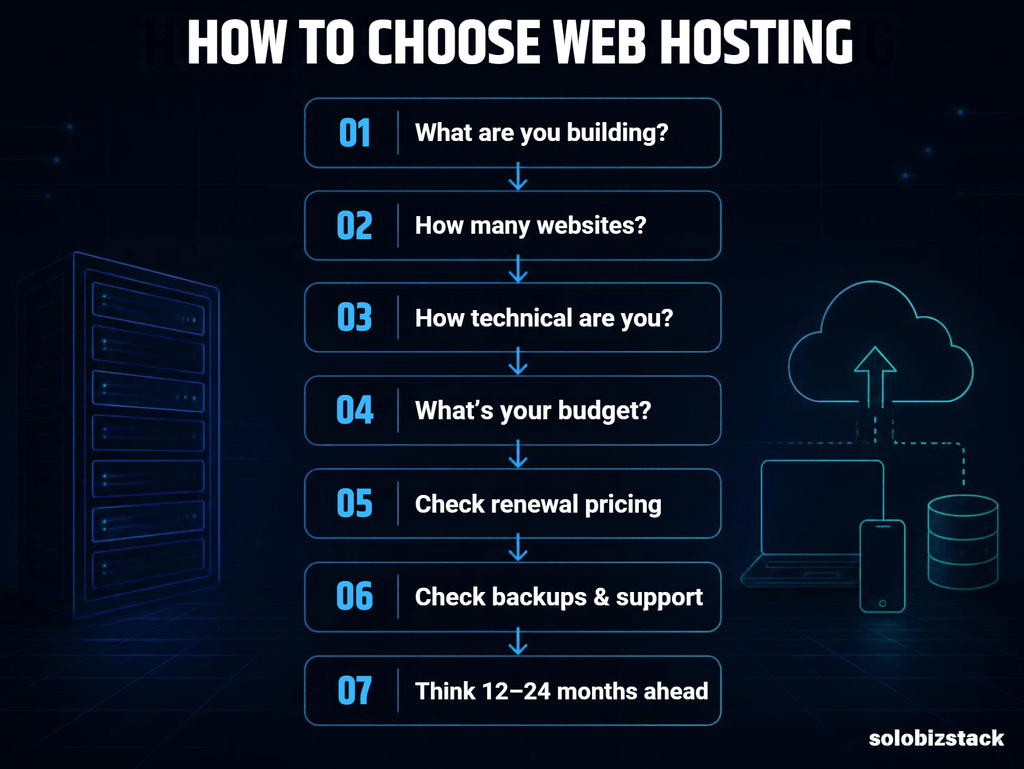
Just make sure the hosting plan gives you a reasonable path to upgrade.
My Simple Hosting Setup for a New WordPress Website
For someone starting a typical WordPress website, the setup can be surprisingly simple:
Domain
↓
WordPress Hosting
↓
WordPress
↓
Kadence / another lightweight theme
↓
Essential plugins
↓
Pages
↓
Content
↓
SEO + Internal Links
↓
Traffic
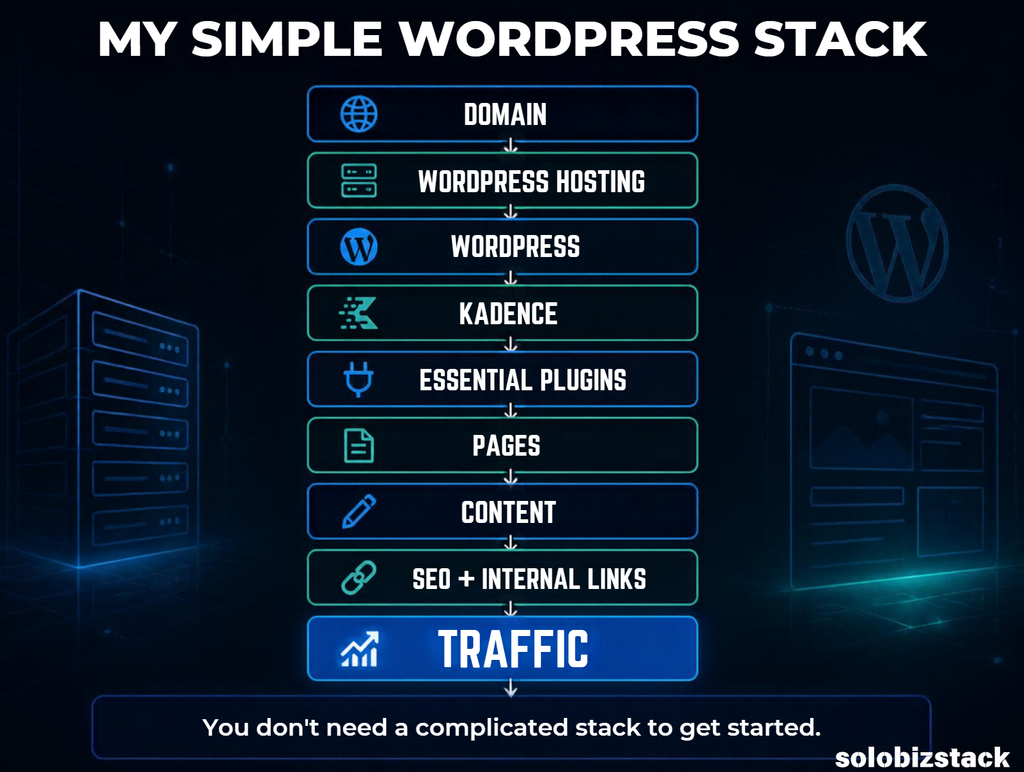
That’s it.
You don’t need a complicated technical stack before publishing your first article.
Frequently Asked Questions
What is the best website hosting for beginners?
The right hosting depends on your website, budget, technical experience, and growth plans. Hostinger and SiteGround are two options worth comparing for a new WordPress website, while WordPress.org currently lists Bluehost, Hostinger, and Pressable among its recommended hosts.
What is the cheapest web hosting for beginners?
Hosting prices change frequently, and introductory prices often require longer commitments. Instead of looking only at the lowest advertised monthly price, compare the total initial payment and renewal price.
Is WordPress hosting worth it for beginners?
It can be useful because WordPress-focused hosting may simplify installation, updates, backups, and website management. WordPress.org notes that WordPress-specific hosts may offer these types of features.
Do I need expensive hosting for a new blog?
Usually not. A new blog generally doesn’t need the same resources as a high-traffic website or ecommerce store. Start with a plan that matches your current needs and upgrade when necessary.
Can I change my hosting provider later?
Yes. WordPress websites can be migrated between hosting providers. Many hosting companies also provide migration tools or services.
Is Hostinger good for beginners?
Hostinger currently offers managed WordPress hosting with features designed to simplify setup and management, including WordPress tools, backups, SSL, CDN, and 24/7 support. Whether it fits you depends on the plan, pricing, renewal terms, and features you actually need.
Is SiteGround good for beginners?
SiteGround offers WordPress-focused hosting with features including free SSL, CDN, backups, WordPress setup/transfer options, and 24/7 support. The most important things to compare are the specific plan’s price, renewal rate, storage, and included features.
Can I host multiple websites on one hosting plan?
Some plans allow multiple websites while entry-level plans may limit you to one. Check the exact plan before purchasing.
Final Thoughts: Choosing Your First Web Host
Choosing web hosting doesn’t need to be complicated.
For your first website, focus on a few basics:
WordPress compatibility
Reliable hosting
SSL
Backups
Support
Simple management
Reasonable pricing
Room to grow
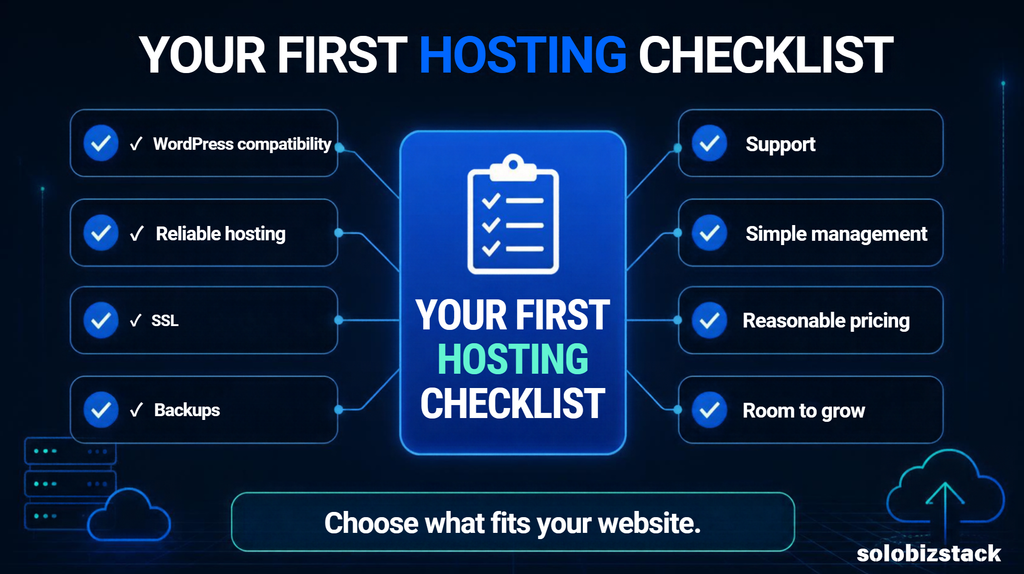
Then compare the actual plans.
Don’t choose a hosting provider just because a blog calls it “the best.”
And don’t choose one simply because the promotional price is the lowest.
Look at what you’re actually getting and whether it fits the website you’re trying to build.
For many beginners, Hostinger and SiteGround are useful starting points to compare, while Bluehost and other WordPress-focused hosts may also be worth considering depending on your requirements. WordPress.org’s current hosting page provides another useful reference point when researching providers.
If you’re ready to build your website, start with the basic setup rather than trying to optimize everything before you’ve published anything.
Ready to Build Your Website?
Start here:
How to Build a WordPress Website for Beginners →
Want to understand the total cost first?
How Much Does It Cost to Build a Website? →
Still deciding between two popular hosts?
Hostinger vs SiteGround: Which Web Host Is Better for Beginners? →
Looking for the tools you’ll need after choosing your hosting?
Explore the SoloBizStack Toolkit →
Disclosure
Some links on this website may be affiliate links. If you purchase a product or service through an affiliate link, we may earn a commission at no additional cost to you.
Affiliate relationships do not determine whether a tool is included, but they may influence which products we review in greater detail.

8 Comments